 Here for macOS
clipboard at cursor.
without keyboard.
double right-click. click to paste. that's it.
First time opening on macOS?
1
Drag Here.app to Applications
2
Right-click (Control-click) Here.app → choose Open
3
Allow Accessibility in macOS Settings to capture double right-clicks
Native Swift • 100% offline • Zero subscriptions
text link image
copy click paste
no cloud, no account, no internet
on mac
see the magic
Send to your Mac
On your phone? We'll email you the direct download link.
feel the magic
Try this.
11:45 AM
Take Risk in Life...
A link.
11:46 AM
thankyoucutie.com
Screenshot
11:47 AM
grabbed this from Xcode
Paste here
11:48 AM
complete all three first
Meeting Notes
Yesterday
Q3 roadmap sync...
Ideas
Sep 10
what if clipboard was...
September 12, 2026 at 11:45 AM
Try this.
"Take Risk in Life and not with Life"
— someone, a good guy, probably
(copy this text please)
|
September 12, 2026 at 11:46 AM
A link.
https://thankyoucutie.com
saved this for later
(copy this link please)
|
September 12, 2026 at 11:47 AM
Screenshot
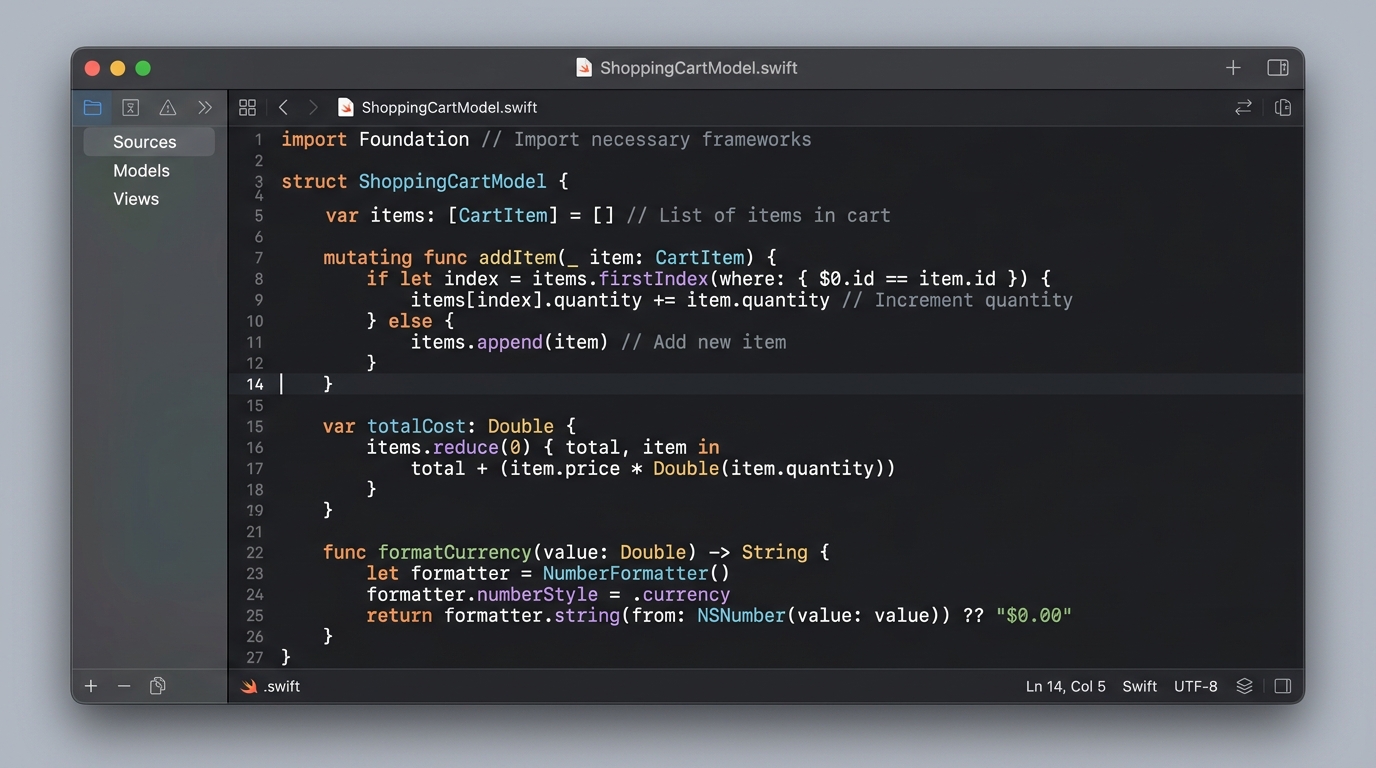
Copied ✓
grabbed this from Xcode earlier
(copy this image please)
|
September 12, 2026 at 11:48 AM
Paste here
Double right-click anywhere in this note.
|
Why double right-click instead of a hotkey?
Your hands are already on the mouse. Why move them?
What is the side hover preview?
Quick Look at your cursor. Glide your mouse over any clip in the popup to see full formatted text, code syntax, source app icons, and word counts before you paste. Hand never leaves the mouse.
Clipboard
All
Text
Link
"Take Risk in Life..."
11:45
thankyoucutie.com
11:46
TEXT
Notes
just now
“Take Risk in Life and not with Life”
Does Here collect any data?
No. Here has no internet access. Your clips never leave your Mac.
Does it ignore passwords?
Automatically. 1Password, Keychain, Bitwarden — never stored.
Why does macOS ask to verify the developer on first open?
Here is an independent, non-App Store native tool (no subscriptions, no telemetry). On first open: right-click (or Control-click) Here.app in your Applications folder and click Open → Open. Or install cleanly via Homebrew:
brew install --cask notebook-learnzy/tap/here.